Security Wrench Attack Mitigation
June 10, 2026The Threat of a Wrench
In security, there’s an issue some of us just call the wrench attack. This is named because of the below popular XKCD comic:
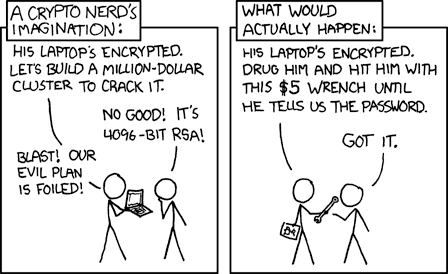
This issue generally makes me cringe because there’s very little you can do to prevent it. I did however have to face an issue recently with how to mitigate it - specifically for people travelling through borders where they may be forced to unlock a computer.
There’s a naive answer - every time you travel, call Helpdesk and ask to be denied access to one particularly sensitive folder. This isn’t actually suspicious - as long as email and most folders still work, people get denied access to file shares all the time. It is however, painful for everyone involved.
What we’ve come up with below is a fully automated solution for this, for users in the Microsoft world.
A Basic Sharepoint Setup
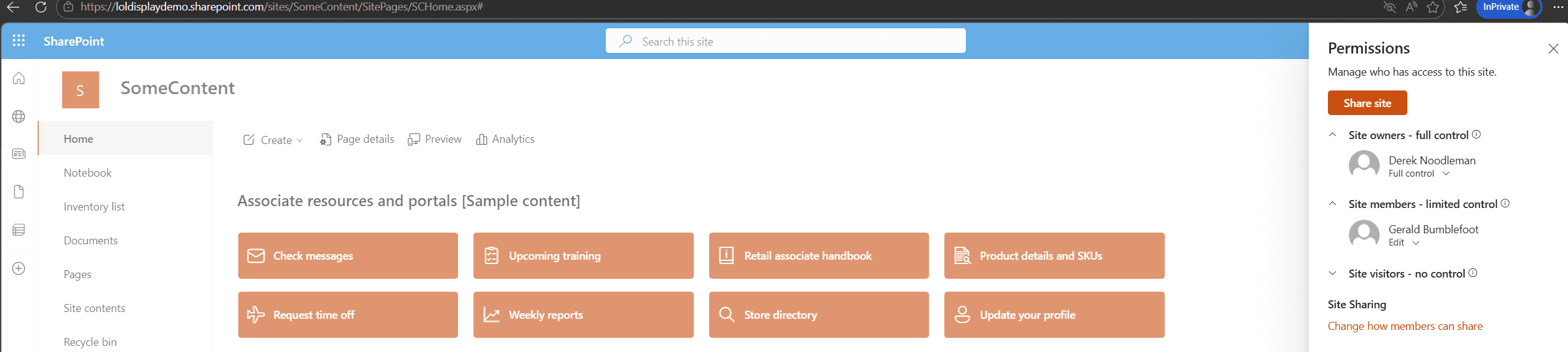
Let’s start with something simple, a very boring looking SharePoint site.
Here we see ourself as the manager Derek NoodleMan, with our high risk staffer Gerald Bumblefoot also using the site.
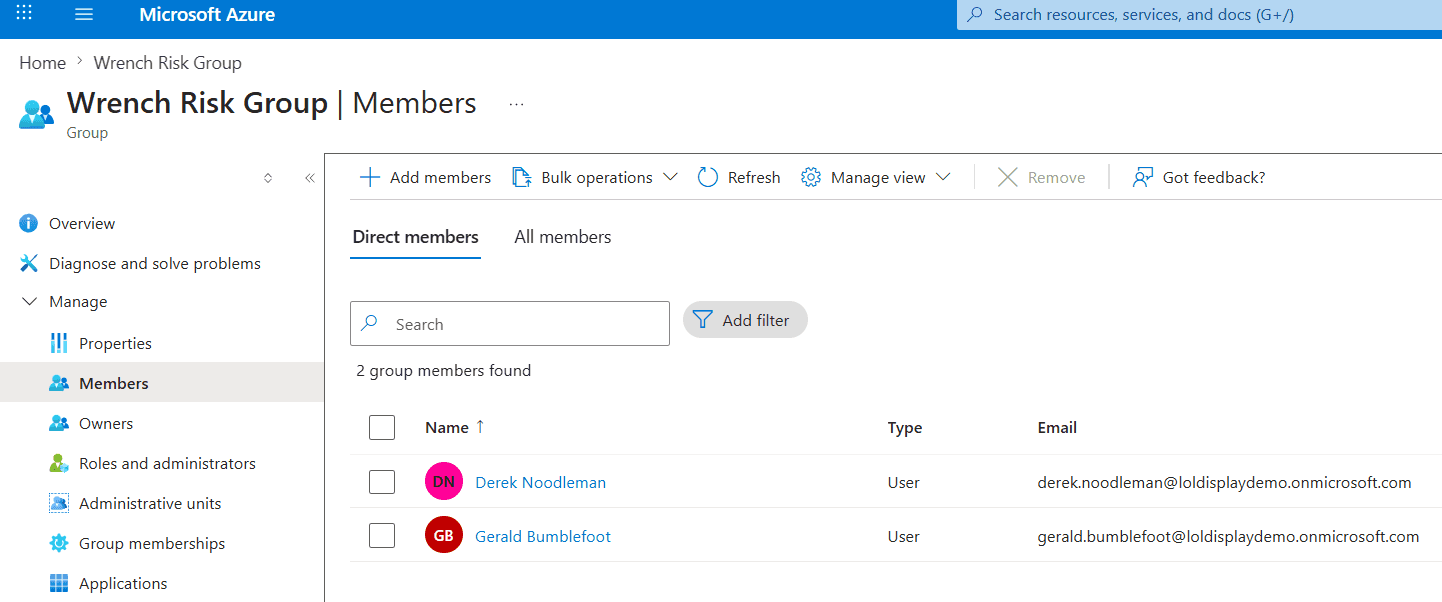
We also have a very boring group, with everyone relevant to this story included. This can be the ACL group for anything we publish.
Sensitivity Labels
Sensitivity labels are an underrated Purview security function. By applying labels to documents, we can write policies about how they can be opened.
Bear with me here - first we’ll make an Authentication Context. There is no configuration in this, just name one.
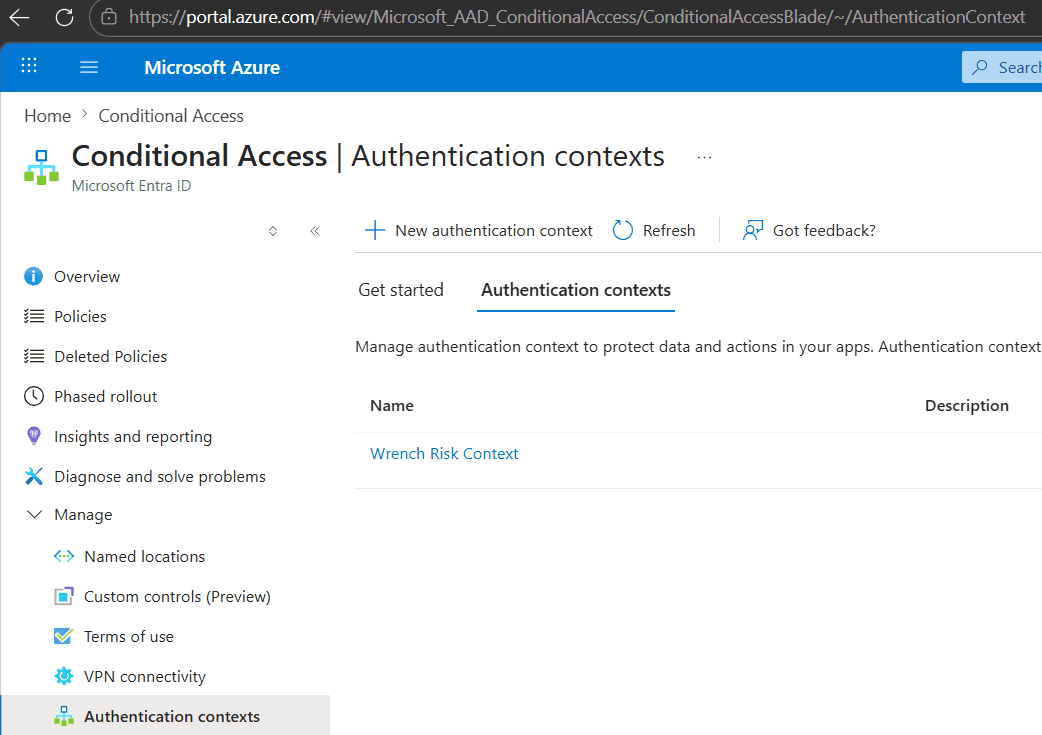
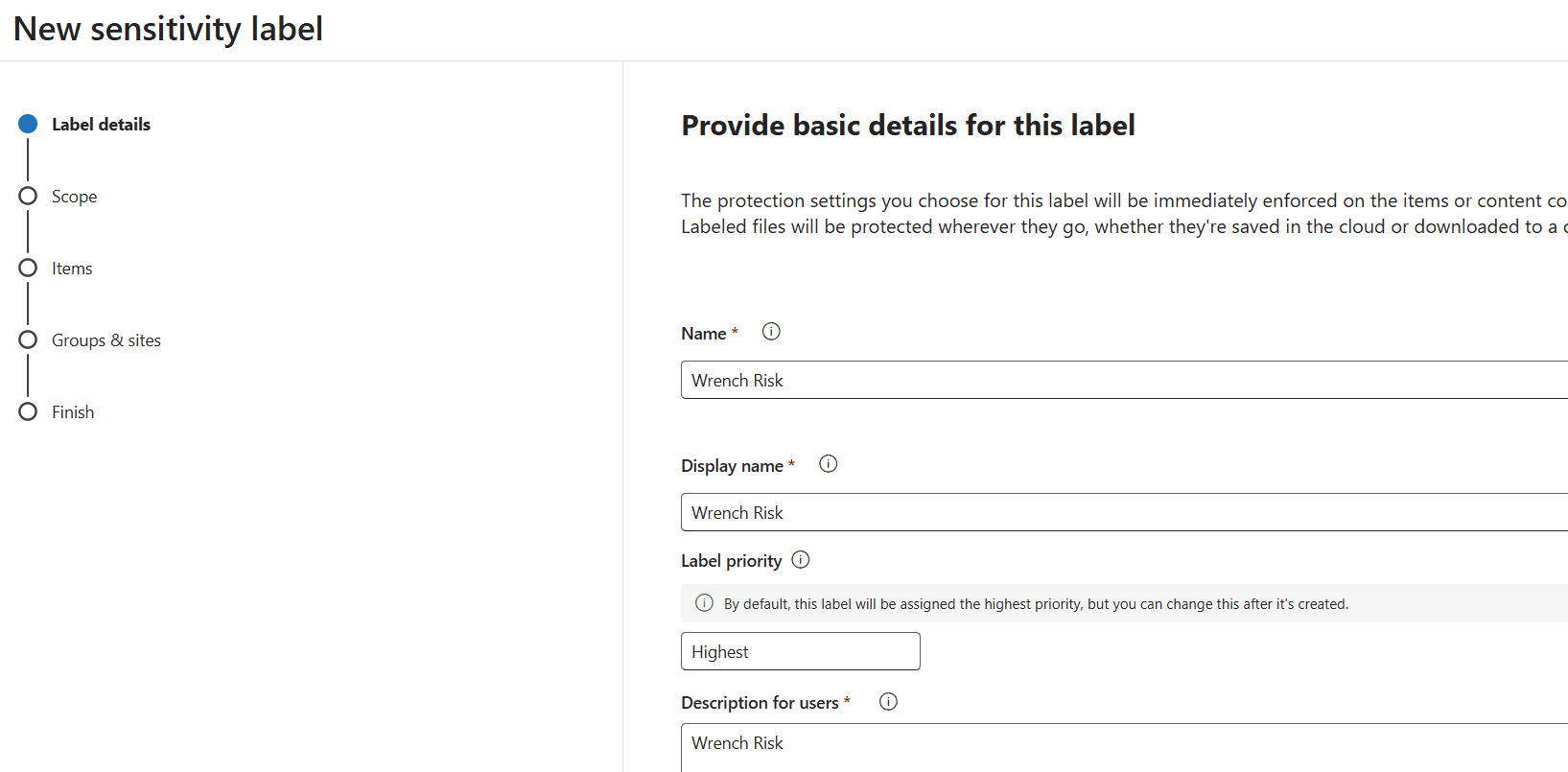
Doing that first means we can use it on a label, so let’s go make ourselves a new label.
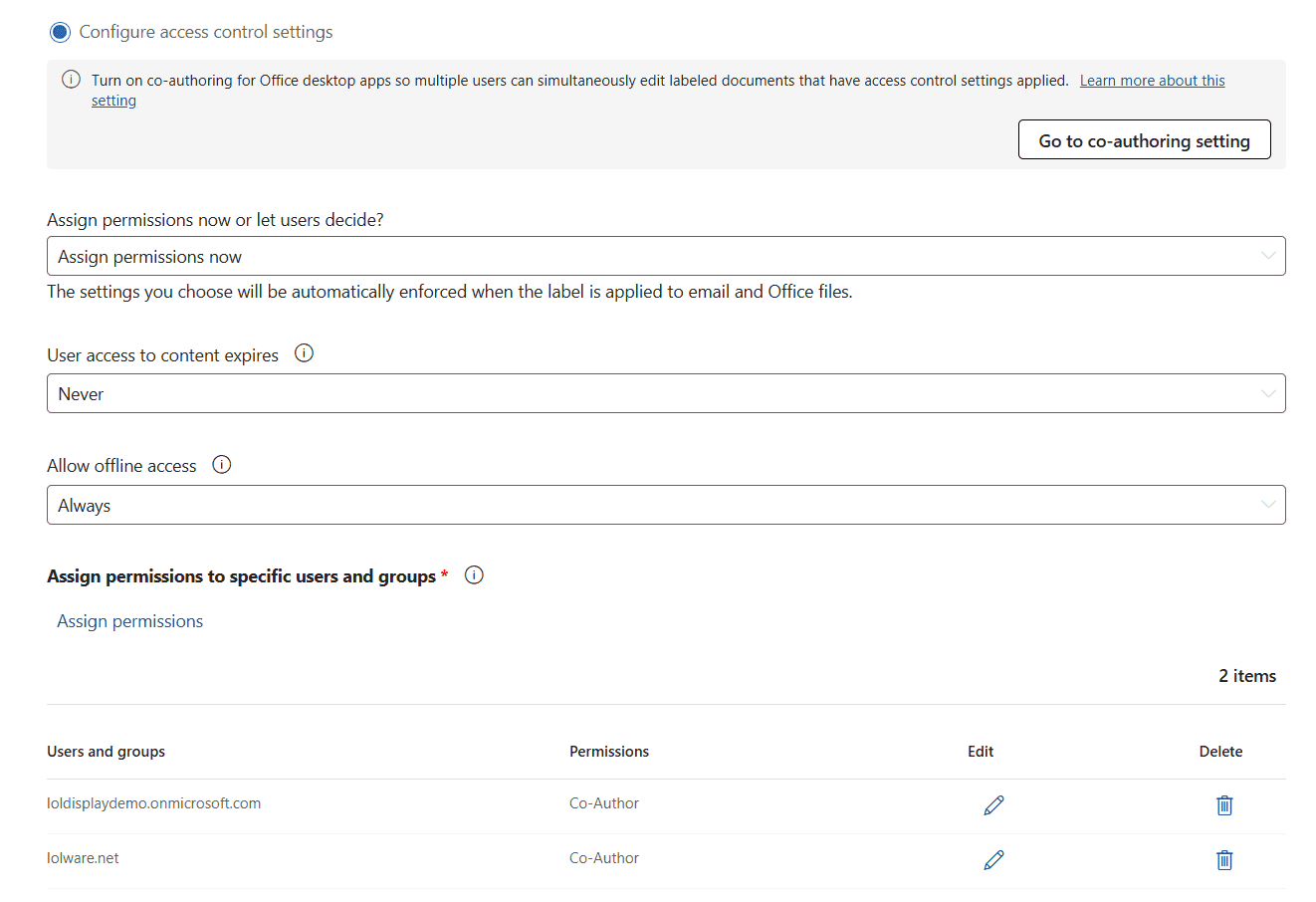
This step is entirely optional, but I think it demonstrates the “intended” use of labels and it’s quite powerful for people to be aware of. What you’ll see below is me setting this label to apply encryption. This means even if these documents leak, only internal users (the loldisplaydemo tenancy) and my own production domain can ever decrypt them and open them. This is in addition to any more specific ACL that we might start with.
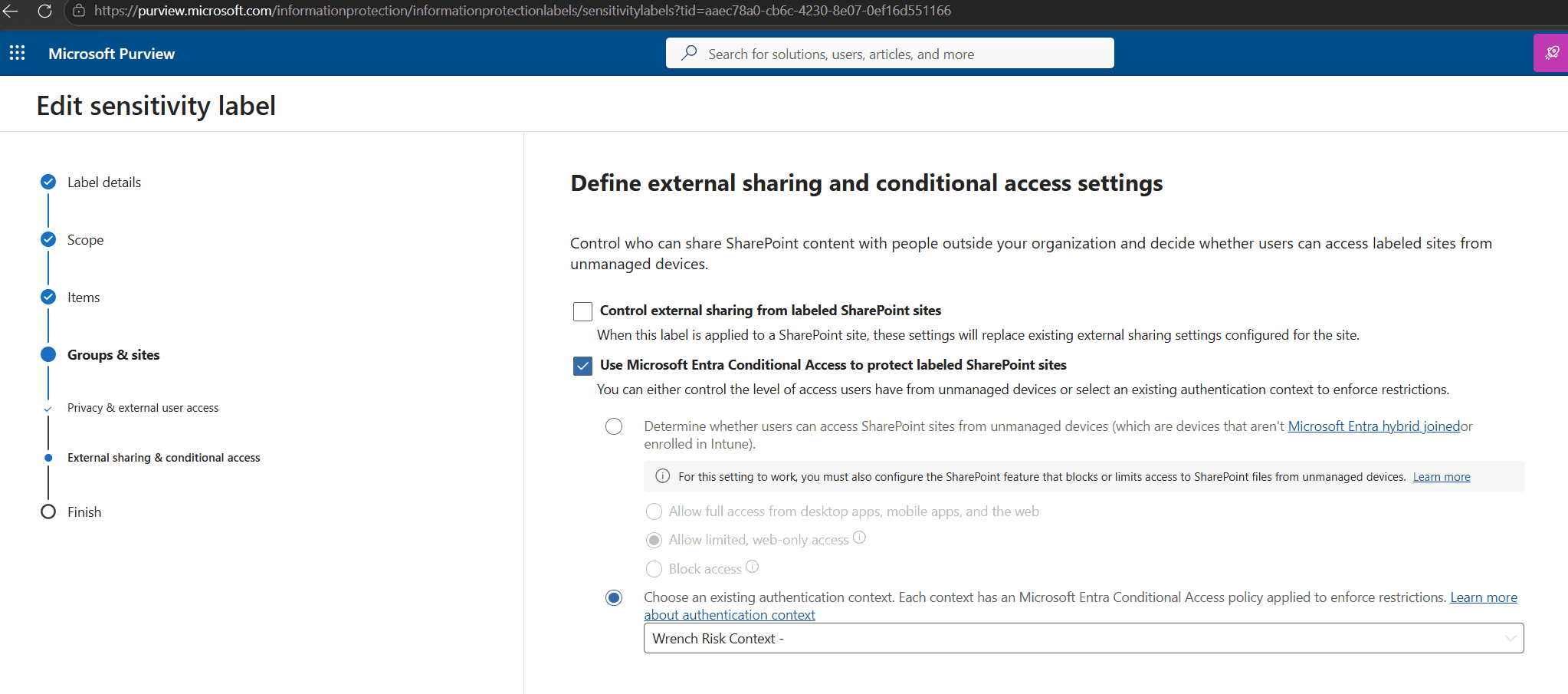
Finally the thing we’re here for, we have that label apply an Authentication Context.
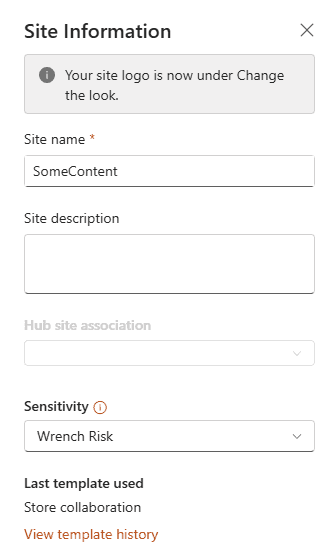
And lastly, we have this label applied to the SharePoint site in question. Note that although Derek is the site admin, we need a higher privileged user to help out with this.
So far, this Authentication Context doesn’t do anything.
Conditional Access Context
Something Entra security people talk about a lot is Conditional Access Policies. But what you don’t often see applied is Authentication Contexts. Here we’re making a policy which applies a “Block” not to any particular application, but to the resource context. Specifically, this allows us to assert that a user is denied access to a SharePoint site while other sites are functional.
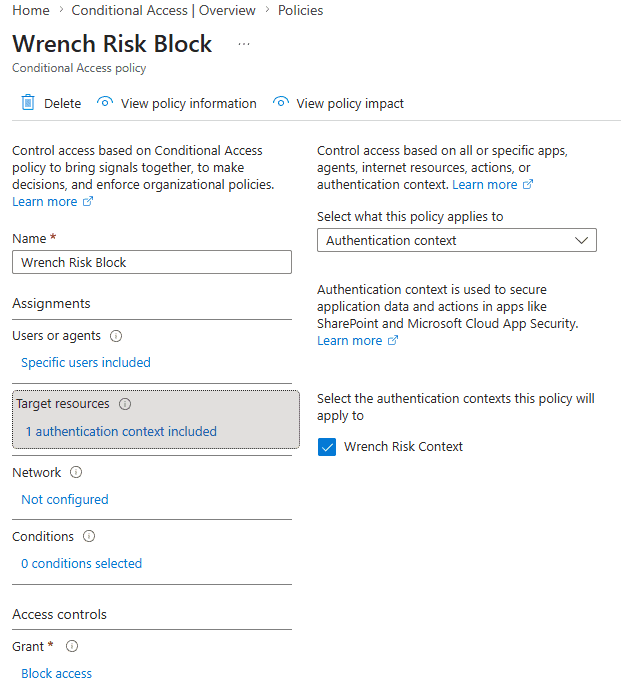
But wait, won’t this just block the site’s access? Well no, because this policy is scoped to a group of users, which is currently completely empty. In affect, doing nothing.
Access Packages
This unfortunately, is a P2 licensed feature. It does however only require the user in question have such a license however. Thousand user org with one user in a risky location? One license.
I’ll spare you the long and boring wizard walk through, but if you open up Identity Governance and click along until things look like this, you’ll create an Access Package that allows a user to opt in to that previously mentioned empty group. This is basically using PAM backwards - instead of elevating permission, you opt in to the group and be automatically removed after 24 hours.
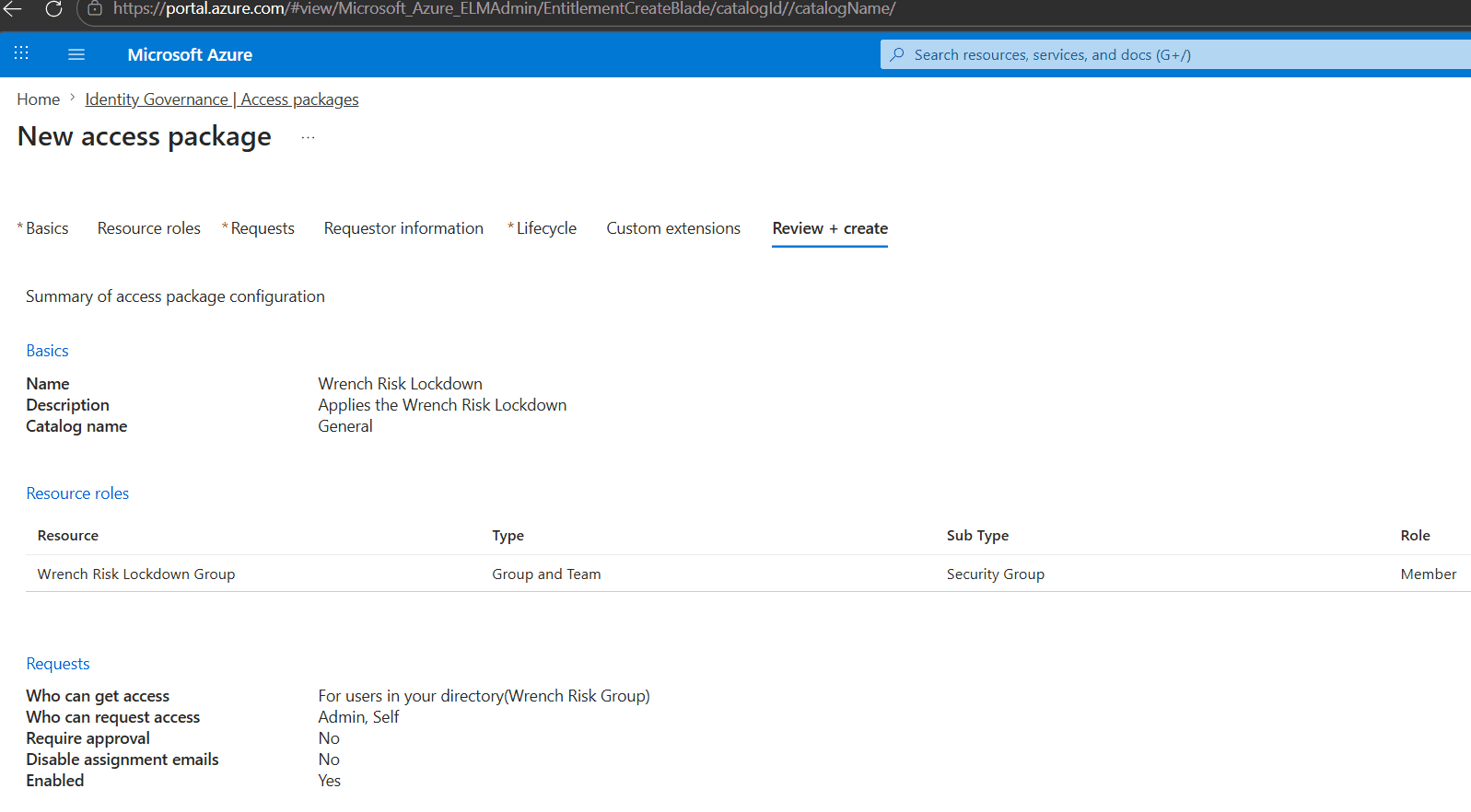
How it Looks
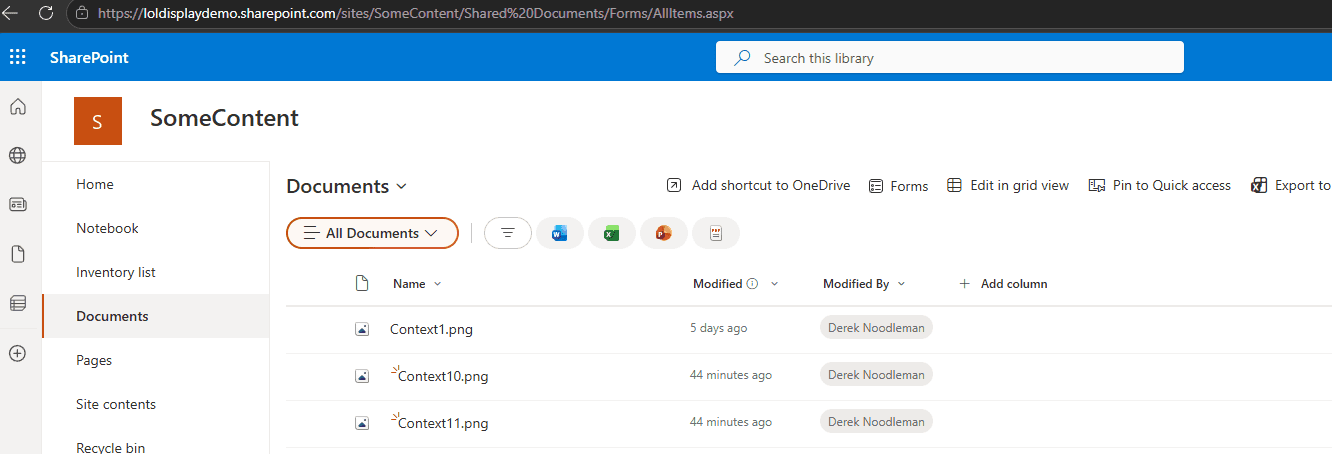
Well here I am as our user Gerald Bumblefoot. As you see, I have full access to the Sharepoint folder described.
Now as I’m about to travel, I’m going to get on to myaccess and hit the request button.
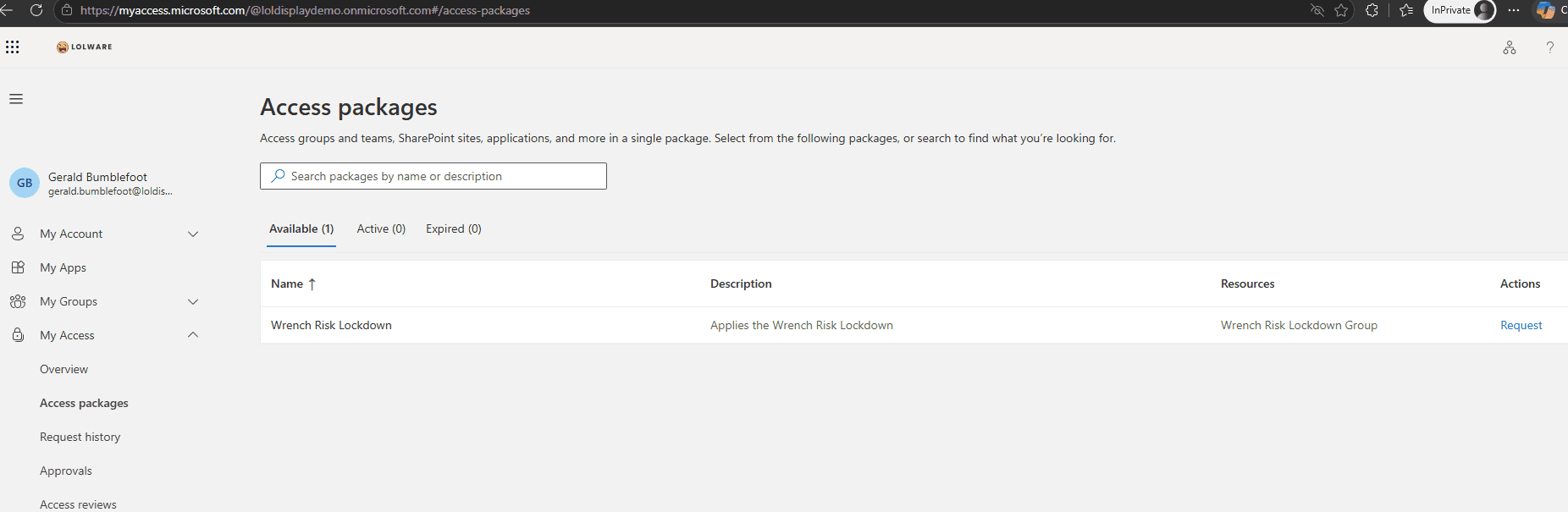
Which will look like this:
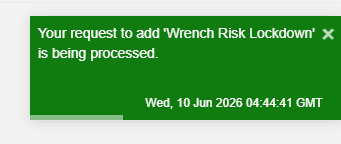
It takes about five minutes for short lived tokens to refresh, after which you’ll find the folder denied:
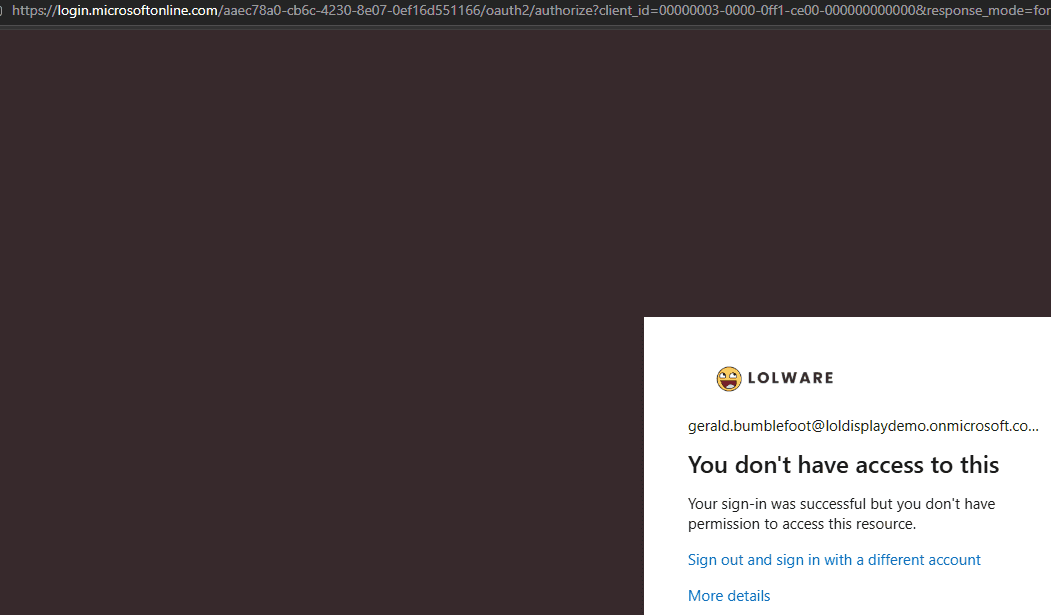
The timeframe is configurable, I’ve set this to 24 hours after which access will just come back.
Why it can be Powerful
The thing is, sensitivity labels are contagious. Gerald doesn’t just have a folder denied. If Gerald saved a local copy of any of any Word documents in that folder, he can no longer open them. If he emailed them to someone, they aren’t accessible from his own mailbox. This design prevents mistakes.